Phantom PHANTOM OF INFERNO NITRO ARCHIVE System Requirements
Published Steam specs, language packs, and the troubleshooting steps Nitroplus actually documents.
Phantom PHANTOM OF INFERNO NITRO ARCHIVE is a single-player visual novel, but the Steam build is not the 2000 CD-ROM original and it is not the 2013 DVD’s Windows XP spec sheet either. NITRO ORIGIN retargeted the installer at Windows 11 64-bit, DirectX 11, and XAudio2. Use this page to check the published numbers, set language packs, and work through launch failures before you blame the story engine. After the title screen, the getting started guide and the controls guide cover saves, skip, and volume.
Official Steam specifications
These rows match the Steam store page and the official online manual. Both columns require a 64-bit processor and operating system.
| Item | Minimum | Recommended |
|---|---|---|
| OS | Windows 11 64-bit | Windows 11 64-bit |
| CPU | Core i5 or above | Core i7 or above |
| Memory | 8 GB RAM | 16 GB RAM |
| Graphics | DirectX 11 or above, Pixel Shader 4.0 or higher, at least 1 GB of video memory | Discrete graphics card with at least 1 GB of memory |
| DirectX | Version 11 | Version 11 |
| Storage | 4 GB available space | 4 GB available space |
| Sound | PCM compatible with XAudio2 | PCM compatible with XAudio2 |
| Display | 1920 x 1080 32-bit TrueColor (window size is variable) | Same |
The visual novel itself still presents a widescreen adventure layout. The 1080p note is the desktop/monitor target, not a promise of a new 4K renderer. Launch-week Steam comments that treat the port as a 4K remaster are wrong; see Steam reviews. Window size can be changed. Nitroplus also states that the OS itself must run smoothly, and that 100 percent compatibility cannot be guaranteed because installed software and PC parts vary.
What you are installing
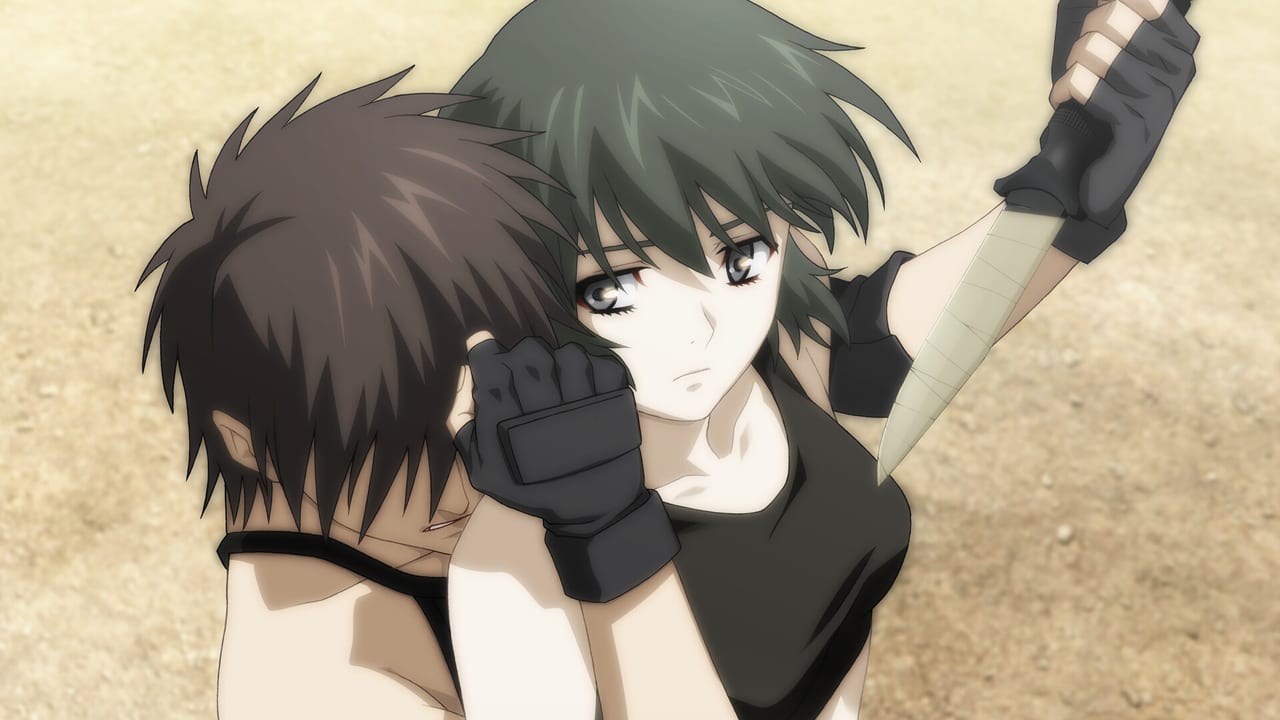
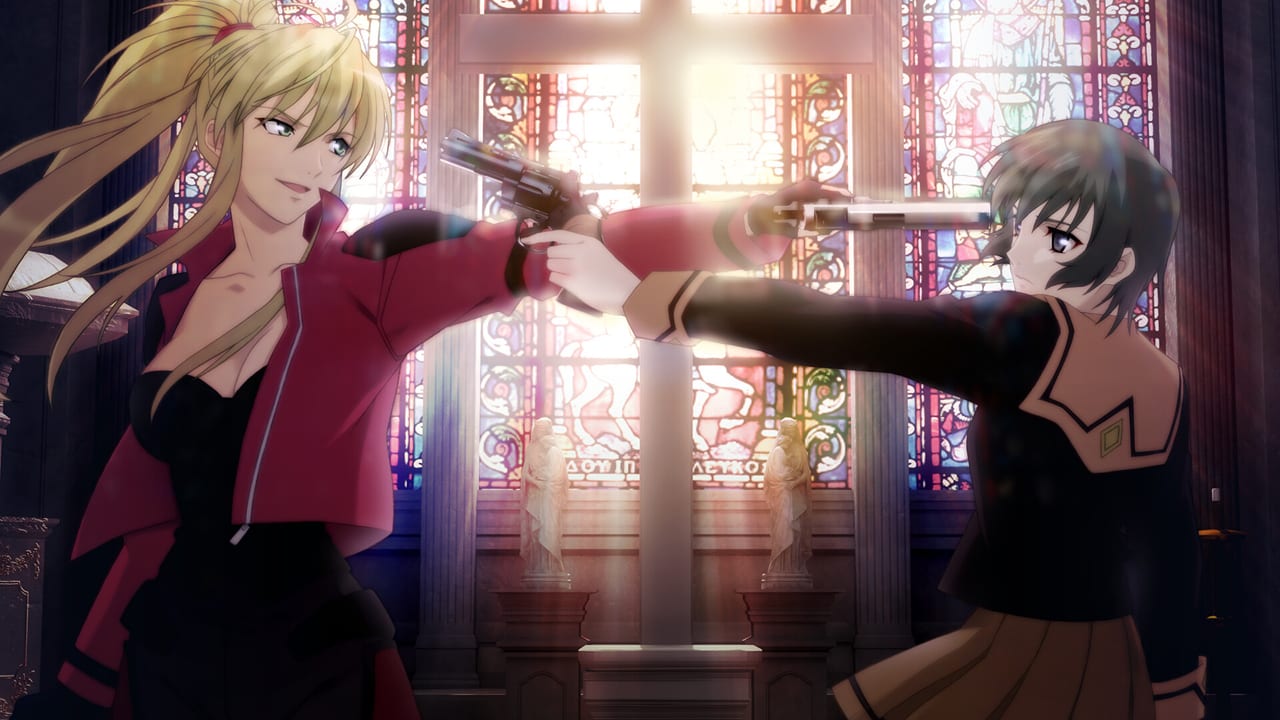
The Steam product is the 2013 Windows reverse-port of the 2012 Xbox 360 remake. Character art follows the 2009 television series. The 2009 TV cast returns. Extra anime-origin scenes are in the build. Voice acting is Japanese only. Interface and subtitles ship in Japanese, English, and Simplified Chinese. Age recommendation is 15+. Extras include CG mode and Sound mode. There is no recollection mode. None of that changes the hardware table, but it does explain why a 4 GB install is enough: this is a voiced 720p-class adventure, not a modern open-world shooter.
Install from Steam under a Windows user with administrator rights. The official startup manual is explicit: the game can only be installed by an administrator. If DirectX is outdated or missing features, the application may fail to launch. Setup is supposed to apply the bundled DirectX package automatically; if it does not, install that package by hand. Uninstall through Steam, Apps & Features, or Control Panel. Nitroplus does not guarantee a clean removal if you delete game folders yourself.
Language packs
Steam’s language matrix is:
- Japanese: interface, full audio, subtitles
- English: interface and subtitles, no English voices
- Simplified Chinese: interface and subtitles, no Chinese voices
There is no English dub to download and no extra voice DLC. Changing text language is a config-menu choice, not a depot you have to re-download for a second voice track. If the UI is in Japanese after first launch, open the in-game settings and switch the text language, then confirm that Windows itself is not forcing a broken font substitution. Volume for voices, effects, and music is separate; if you hear nothing, check Windows mute, the per-app mixer, and the in-game sliders before reinstalling.
Troubleshooting launch and performance
Work through the official list before filing a ticket.
- Confirm free disk space. Windows misbehaves when the drive is full even if the game only needs 4 GB.
- Close other applications and tray utilities. Overlay software is a frequent visual-novel killer: Discord overlay, NVIDIA GeForce Experience overlay, AMD overlay, Xbox Game Bar, MSI Afterburner / RivaTuner, and some RGB or recording suites hook the same DirectX path the engine uses.
- Update GPU, chipset, and audio drivers from the PC or GPU vendor. Nitroplus notes that driver updates can also cause new problems, so keep a restore point.
- Install or repair DirectX 11 components if the game never reaches the title screen.
- Run Steam and the game as the same administrator-capable account you used to install.
- Verify integrity of game files in Steam if the install was interrupted.
- Check that the display is actually in 32-bit color and that scaling is not forcing a broken window size.
The troubleshooting chapter of the manual also says the product is designed for factory-default PC/AT-compatible machines. Windows emulators, other virtual machines, and laptops are not covered by the operation guarantee. That is not a claim that a modern laptop cannot play a visual novel; it is the publisher’s support boundary. If you still cannot launch after those steps, use the Nitroplus support form rather than random registry edits.
Steam Deck and handheld PCs
Steam currently lists Deck compatibility as Unknown. There is no Verified, Playable, or Unsupported badge on the store page at launch. Official requirements name Windows 11, an administrator install, and XAudio2. Proton, SteamOS, and handheld button maps are therefore community experiments, not a supported configuration. If you try a handheld anyway, expect to supply your own controls map; this wiki’s controls guide documents the PC UI, not a Deck layout.
After a clean launch
Once the title screen appears, you do not need more GPU headroom. Spend the time on saves and routes. The achievements list is ending- and gallery-gated, so extra slots matter more than frame-rate overlays. Store date, price, and the intro discount are on the Steam launch article. Official URLs, including the English startup manual, are collected on the official links page.
Frequently Asked Questions
Quick answers for new Steam players and returning fans.
What operating system does the Steam version require?
Windows 11 64-bit. That is the published minimum and recommended OS. The 2013 DVD listed XP through 8; this port does not.
Why does the game refuse to install or start?
Install from an administrator account, apply the DirectX package if setup skipped it, update GPU drivers, and close overlay software. The [official manual](https://support.nitroplus.co.jp/manual/origin/phantom/) is the first stop.
Does it run on Steam Deck?
Valve currently lists compatibility as Unknown. Official support is a Windows 11 PC with XAudio2 and DirectX 11.
Can I play with English voices?
No. Voices are Japanese only. English and Simplified Chinese cover interface and subtitles.
Is there a recollection / scene replay mode?
No. CG mode and Sound mode are present. Recollection mode is not. Keep extra saves if you care about stills and the achievements galleries.
Where do I go after the title screen?
Follow the getting started guide and the controls guide. Hardware is done; the rest is routes.