Guides
Use these Steam guides for install, first-hour play, ADV controls, walkthroughs, and endings in Phantom PHANTOM OF INFERNO NITRO ARCHIVE.
View all GuidesWalkthroughs, endings, and character guides for the Steam port.
Walkthroughs, endings, and character pages for the 2026 Steam port of Urobuchi Gen's neo-noir assassin visual novel.
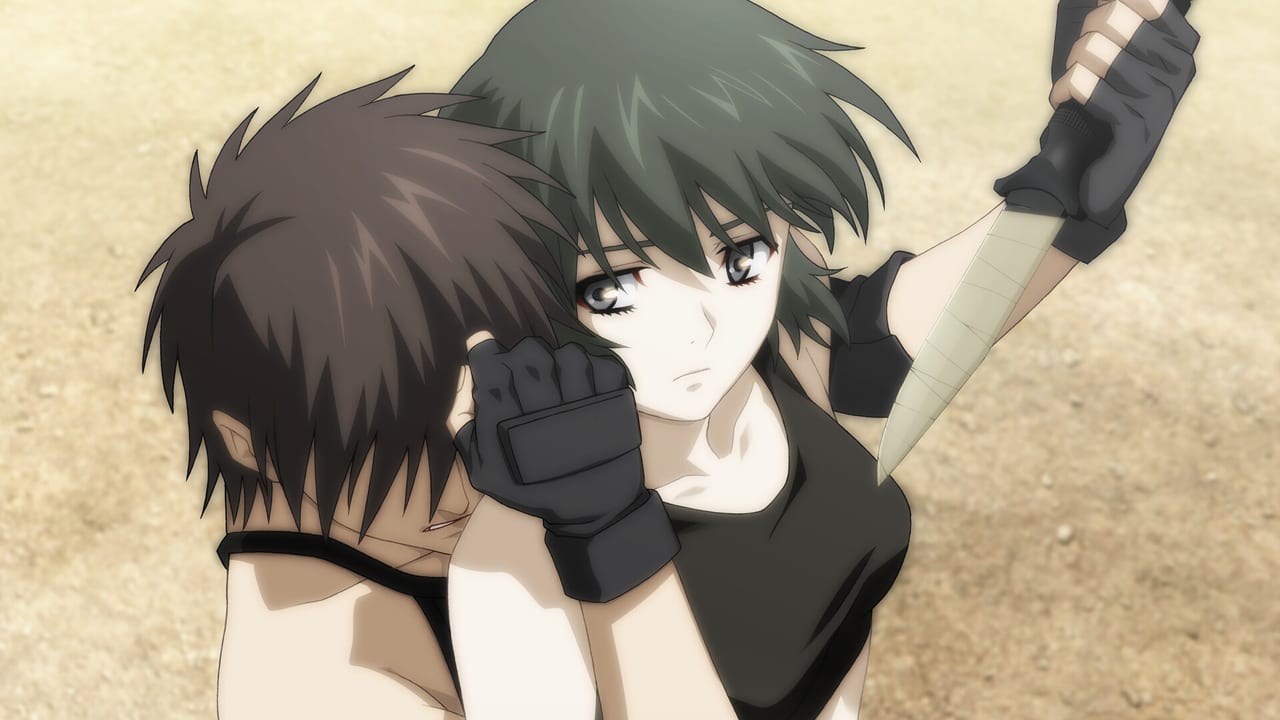
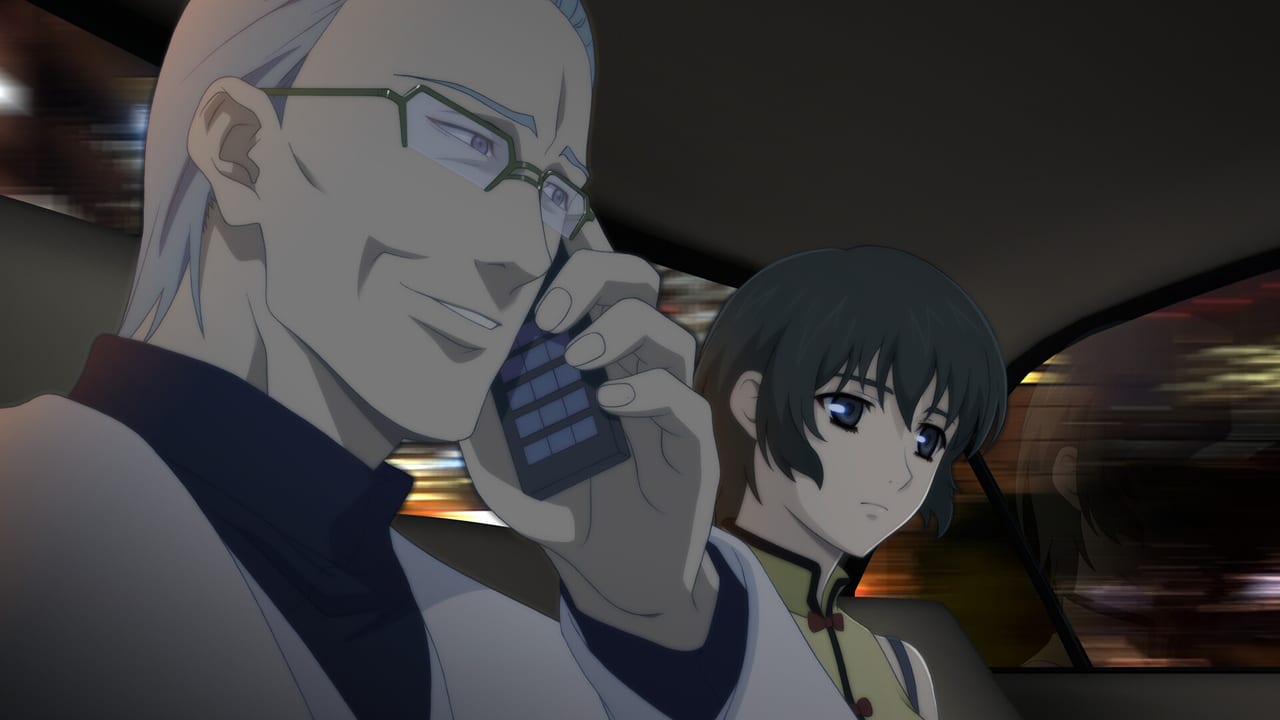
Phantom PHANTOM OF INFERNO NITRO ARCHIVE is the 2026 Steam release of Nitroplus's debut neo-noir visual novel. A Japanese tourist is kidnapped in the United States, stripped of his memories, and trained as the assassin Zwei under Ein, Inferno's Phantom. The Steam build matches the 2013 Windows port of the Xbox 360 remake: anime character art, the 2009 TV cast, Japanese voices, and English or Japanese text. Start with the getting started guide, then use the walkthrough and endings guide when you want every route. Roster pages live under characters, PC specs under system requirements.
Use these Steam guides for install, first-hour play, ADV controls, walkthroughs, and endings in Phantom PHANTOM OF INFERNO NITRO ARCHIVE.
View all GuidesInferno roster for the Steam remake: Ein, Zwei, Claudia, Cal, and Mio, with spoiler-light roles, routes, and links to every character page.
View all CharactersRank Phantom Steam routes and endings for first play, story payoff, completion speed, and romance versus noir tone.
View all RoutesWindows 11 specs, admin install notes, and the 34 Steam achievements for Phantom PHANTOM OF INFERNO NITRO ARCHIVE.
View all ToolsVersion history from the 2000 PC original through DVD-PG, PS2, Integration, Xbox 360, and the 2026 Steam port.
View all UpdatesOfficial site, Steam page, manual, Nitro Origin X, Nitroplus support, Wikipedia, and VNDB for Phantom of Inferno.
View all LinksBuy Phantom PHANTOM OF INFERNO NITRO ARCHIVE on [Steam](https://store.steampowered.com/app/3639590/Phantom_PHANTOM_OF_INFERNO_NITRO_ARCHIVE/) and confirm Windows 11 plus DirectX 11 on the system requirements page before first launch.
Pick English or Japanese text in the config menu. Voices stay Japanese-only. Full click-by-click notes live in the controls guide.
The getting started guide covers saves, the password system, and what the Steam port actually includes versus the 2000 original.
Advance until the first night, then decide whether you want Ein or Claudia. When you are ready to branch on purpose, open the walkthrough.
Use the endings guide and the achievements tracker so later loops reuse Chapter passwords instead of replaying every line.
Quick answers for new Steam players and returning fans.
Read the getting started guide, then the how to play page if this is your first visual novel.
No. NITRO ARCHIVE matches the 2013 Windows port of the 2012 Xbox 360 remake: anime designs, the 2009 TV voice cast, and extra anime-origin scenes. Age recommendation is 15+.
No. Interface and subtitles include English and Japanese. Full voice acting is Japanese only.
This wiki supports: English, 日本語. Configure locales in site.meta.json and run npm run generate:i18n.
The remake keeps the classic multi-ending structure across three chapters. See the endings guide and the routes ranking before you burn extra playthroughs.
No. It is a fan-made Steam wiki. Confirm patches and store text on the official links page and Nitro Origin's site.
Install from Steam, then follow the getting started guide and keep the endings guide nearby when Chapter 1 branches toward Ein or Claudia.
Open the beginner guide